Type in the right language. Automatically.
Switching language layouts by hand is a chore the OS never solved - the globe key is basically a manual gear shift.
Unfumble makes it automatic.
Free for your first 100 fixed words · macOS 13+ · Apple Silicon & Intel

UnfumbleKeep your flow.
Active
Fumbles fixedAll time ›
1,240
Ⅱ Pause for 15 minutes ⌄
Auto-correctionFix wrong-layout words as you type.
Pause in MessagesOnly this app, until you resume.
Fixed automatically
Same keystrokes. The words you meant. Animation slowed to show the correction.
Real-time.No flicker, no wait.
The switch happens automatically as you type — nothing to press, nothing to wait for. Unfumble understands which language each word wants, and even a word you started in the wrong layout is rewritten the instant it recognizes what you meant. You just see the right word.
Knows the app.A command here, a word there.
The same keystrokes can mean different things in different apps. In a terminal Unfumble
recovers go, but in a chat it leaves עם ("with")
exactly as you typed it — because context is everything.
Gets better the more you use it.It learns your words.
Hit one you didn't want? Press ⌘Z right after a fix and it's restored — then Unfumble asks whether to stop fixing that word from now on, so a one-off never trains it by accident. The longer you use it, the more it fits the way you type.
A name worth keeping
Project geia
Your original wordRussian, ready before you type.Every app, its own language.Switched before you type.
Unfumble learns the language you mostly write in each app, then switches your Mac's keyboard to match the moment you bring it to the front. WhatsApp opens ready for русский, your editor for English — you just start typing.
Or fix it yourself.Manual when you want it.
Prefer to stay in control? Turn on Manual mode and Unfumble stops correcting as you type. Then fix the last word — or anything you've selected — with your own shortcut, or right-click and choose Services ▸ Unfumble. It runs quietly and starts with your Mac.
Auto
A quick hello
שלום
Fixed automatically✓ No shortcut needed
Manual
A quick hello
שלום
Fixed with your shortcut⌃⌥U
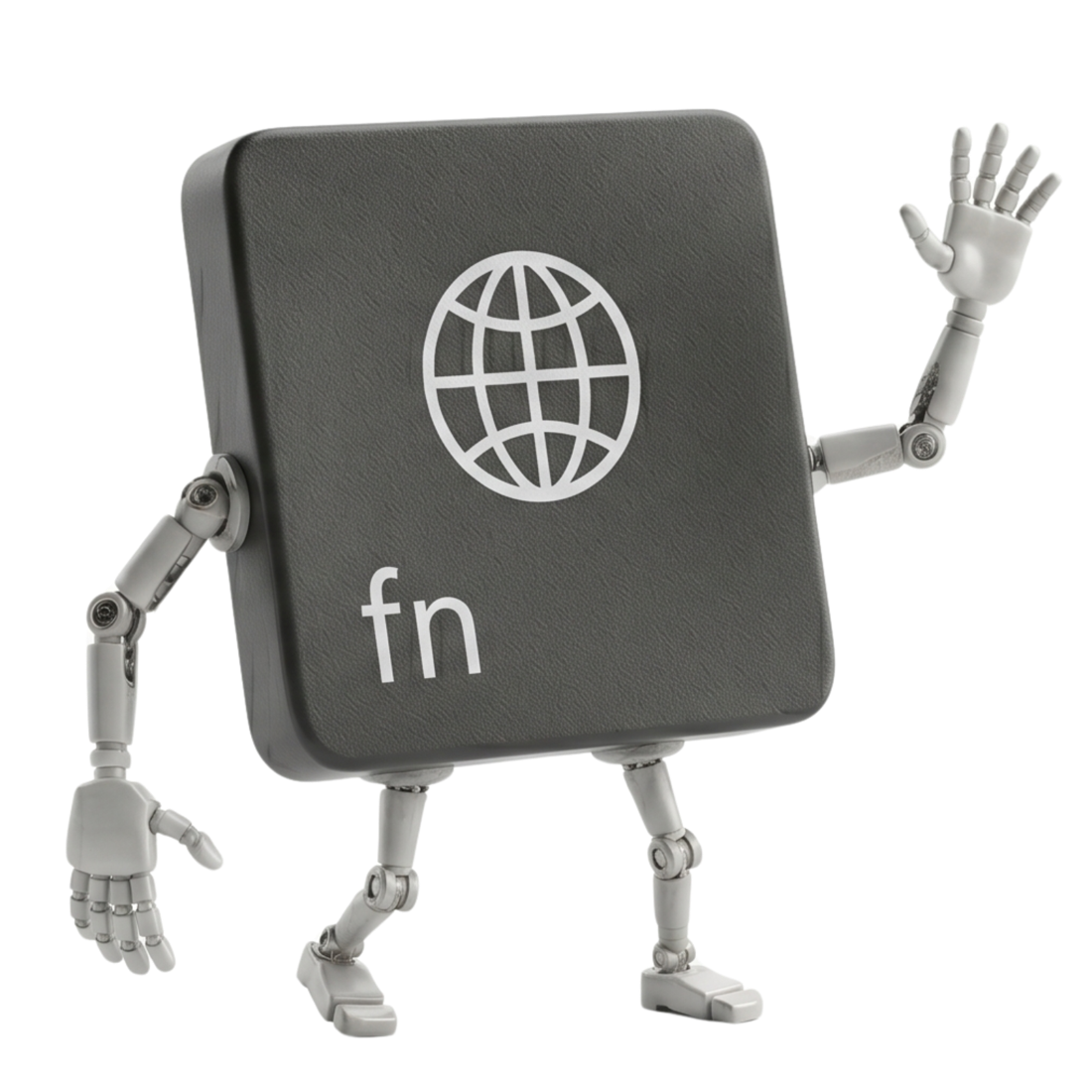
Say goodbye to your old globe key.You never reach for it again.
Switching layouts is no longer your job. Unfumble follows the language you're writing and keeps your keyboard in step — mid-sentence, mid-thought. Just type.
Less friction. More flow.
A few words from the people using Unfumble.
This should honestly be a built-in macOS feature. Brilliant.
It works like magic.
My Mac feels way more intelligent!
I didn’t realize how much I needed this until I installed it.
The best utility I’ve added to my Mac this year. Instantly indispensable.
It just runs quietly in the background and saves my sanity daily.
A really good experience. It saves you the familiar frustration of writing a full sentence, looking at the screen, and realizing that everything was typed in the wrong letters. The switch happens smoothly and quickly.
Soooooooo helpful man. I am normally switching between Arabic and English all the time and it can be such a headache when I forget to switch. I tried the trial for about 3 minutes and then just bought the app.
Well done.
Fourteen languages
One engine,
One engine,
fourteen languages.
Unfumble switches between any of the supported languages.
Each language is
analysed only when you've enabled it as a macOS input source, so Unfumble never switches you to
a language you can't type.
Hebrew
akuo→שלוםArabic
lvpfh→مرحباPersian
]x,v→چطورUkrainian
ghbdsn→привітRussian
ghbdtn→приветBulgarian
icyf→същоSerbian
'irilica→ћирилицаMacedonian
lu]e→луѓеGreek
geia→γειαArmenian
hima→հիմաGeorgian
gamarjoba→გამარჯობაHindi
vcmdls→नमस्तेThai
iyd→รัก
Private & secure
Nothing ever leaves your Mac.
Keystrokes are inspected only to fix the current word. Entirely on-device, no telemetry, no cloud autocorrect, no model phoning home.
✓
One permission
Accessibility — the single grant macOS needs to fix a word in place. Nothing more.
✓
Zero data collection
Everything runs 100% locally. Your data never leaves your computer. No servers. No tracking.
✓
Notarized by Apple
Every release is code-signed and notarized — Apple scans it for malicious code before it can run, and macOS verifies it hasn't been tampered with at every launch.
Pricing
Start free.
Start free.
Then choose your plan.
Your first 100 fixed words are free —
no account, no
card. Buy a one-time license for yourself, or
email for team
licensing.
Free trial
Free first 100 fixed words
- Every feature, unlocked
- All fourteen languages
- No account required
Individual
$14.99one-time, per person
- Unlimited fixes, forever
- Up to 2 Macs
- Every feature & language
- One-time payment — yours to keep
Enterprise
Customyearly subscription
- One managed key for everyone
- Jamf / MDM rollout help
- Invoicing, PO & DPA
- Priority support
Free for your first 100 fixed words — no account, no card required.
Download for macOS
FAQ
Questions & answers
Everything else you might be wondering about Unfumble.
What does Unfumble actually do?
Unfumble is a tiny macOS menu-bar app that switches keyboard languages for you,
automatically. It detects the language you're trying to write and keeps your layout
in step — no more ⌘-Space. And if you've already started a word in the wrong layout —
like akuo when you meant שלום — it
rewrites it as you go, so your next keystrokes are already right.
Want the longer story? Read why a Mac types gibberish in the wrong language, or see how automatic switching compares with what macOS offers on its own.
Does it work in every app?
Yes — it works system-wide, in any text field (not including secure input fields like password fields). It's also app-aware: it recovers commands
like go in a terminal, but leaves the same keystrokes alone in a chat where
they're probably a name.
What about typing a web address?
When you focus a browser's address bar, Unfumble defaults the keyboard to English so links type cleanly — then hands it straight back to the language you usually write on the page. It's on by default, and you can turn it off in Settings.
Can I ask to add a new language?
Yes — feel free to email us with your request. We can't promise to add every language, but we do read every message and consider each one.
Is my typing private?
Completely. Everything runs 100% on your Mac — your keystrokes are never transmitted, logged, or sent to a server. Unfumble only uses the network to activate or validate your license and to check for or download signed updates. Nothing you type is included in those requests. See our Privacy Policy for the details.
Is Unfumble safe to use?
Yes. Unfumble is code-signed with an Apple Developer ID and notarized by Apple — which means Apple scans every release for malware before it's allowed to run, and macOS verifies the app hasn't been tampered with each time it launches. You don't have to take our word for it, either: open Activity Monitor or a network tool like Little Snitch and watch Unfumble for yourself — you'll see it stays quiet, reaching out only for licensing and signed software updates. Nothing you type ever leaves your Mac.
Which languages does it support?
Fourteen languages today: English plus Hebrew, Arabic, Persian, Ukrainian, Russian, Bulgarian, Serbian, Macedonian, Greek, Armenian, Georgian, Hindi, and Thai. A fumble is fixed between any of the ones you've enabled. Each non-Latin language is analysed only when you've enabled it as a macOS input source, so Unfumble never switches you to a language you can't type.
What permission does it need?
Just one: macOS Accessibility. That's the single grant macOS needs to read a word and replace it in place — no contacts, files, camera, or extra network access.
How much does it cost?
Your first 100 fixed words are free, with every feature unlocked. After that it's a one-time $14.99 for an individual license — yours to keep, no subscription. Teams can subscribe yearly by emailing for a team license. See individual pricing.
How many Macs can I use my license on?
One license covers up to 2 Macs at once — say your laptop and your desktop. Got a new Mac? Just remove the license from a Mac you no longer use (right in Unfumble's Settings) and activate it on the new one — your seat moves with you.
Can I buy Unfumble for my team?
Yes. Email hello@unfumble.app with the number of seats you need, and I’ll help you choose the right setup.
Are there refunds?
Yes. If Unfumble isn't working out for you, email us within 14 days of your purchase and we'll refund your license, no hard feelings. Refunds are handled through Lemon Squeezy, our payment provider — see our Terms for the details.
What if it changes a word I wanted to keep?
Press ⌘Z right after a fix and your original is restored — then Unfumble asks whether to stop fixing that word from now on, so it only learns the ones you choose. The more you use it, the more it fits the way you type.
Can I fix things myself instead of automatically?
Yes. Turn on Manual mode and Unfumble stops correcting as you type — then fix on demand: press your shortcut to fix the last word (or whatever you've selected), or right-click any text and choose Services ▸ Unfumble. There's also “Don't Unfumble This” to keep a word exactly as you typed it.
What do I need to run it?
macOS 13 (Ventura) or later, on both Apple Silicon and Intel Macs. The app is signed and notarized by Apple.
Found a bug, or need help?
Please tell us! The fastest way to report a bug or ask a question is to email us at hello@unfumble.app — we read every message.